
Features · Trust
A white-label client onboarding portal, already built into Trust
A branded public link with a multi-step intake form, so a new client's first touchpoint with your business looks like your business, not a piece of software running behind it.
It's part of the Trust module, connected to the same CRM, projects, and invoices as the rest of your client work.
How it works
Three steps, and only one of them is something you do more than once.
Share one link
Every company gets its own permanent, public onboarding link. Drop it in an email signature, a proposal, or a first message to a new lead. The link never changes, and it never expires.
The client fills out one branded form
Contact details, which service they're after, any questions, and a preferred call time. Nothing on the page says SimpleMark anywhere in the flow.
It lands in Trust automatically
The client shows up in your CRM as a new lead, already carrying everything they entered, ready to move through the same New Client Onboarding SOP as every other client.
The four steps, in order
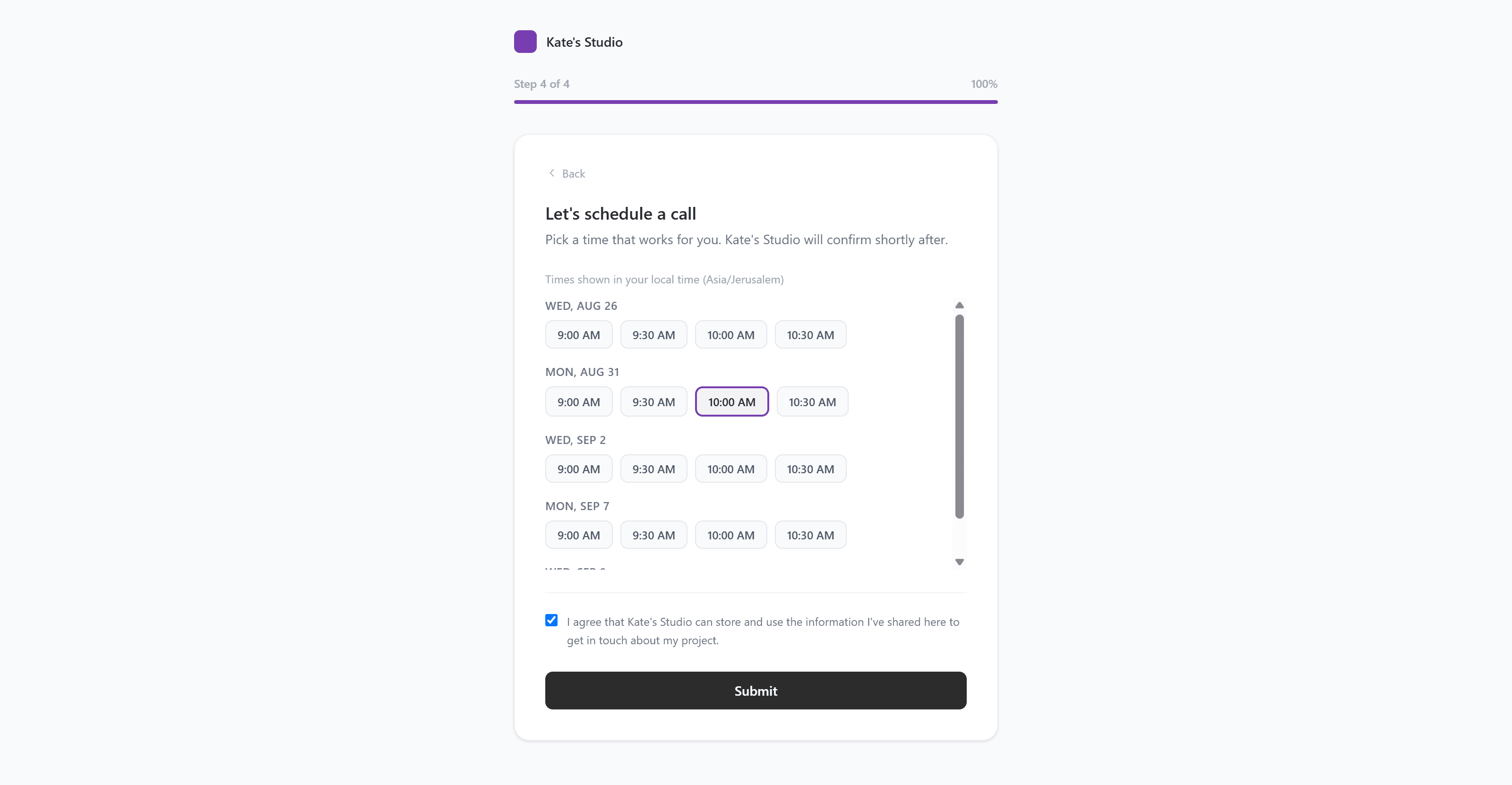
This is the multi-step client intake form software behind the link: contact info, service selection, a few custom questions, and scheduling, each its own screen, each carrying your branding. It works as a client onboarding portal with scheduling built in, not a form bolted onto a separate calendar tool afterward.
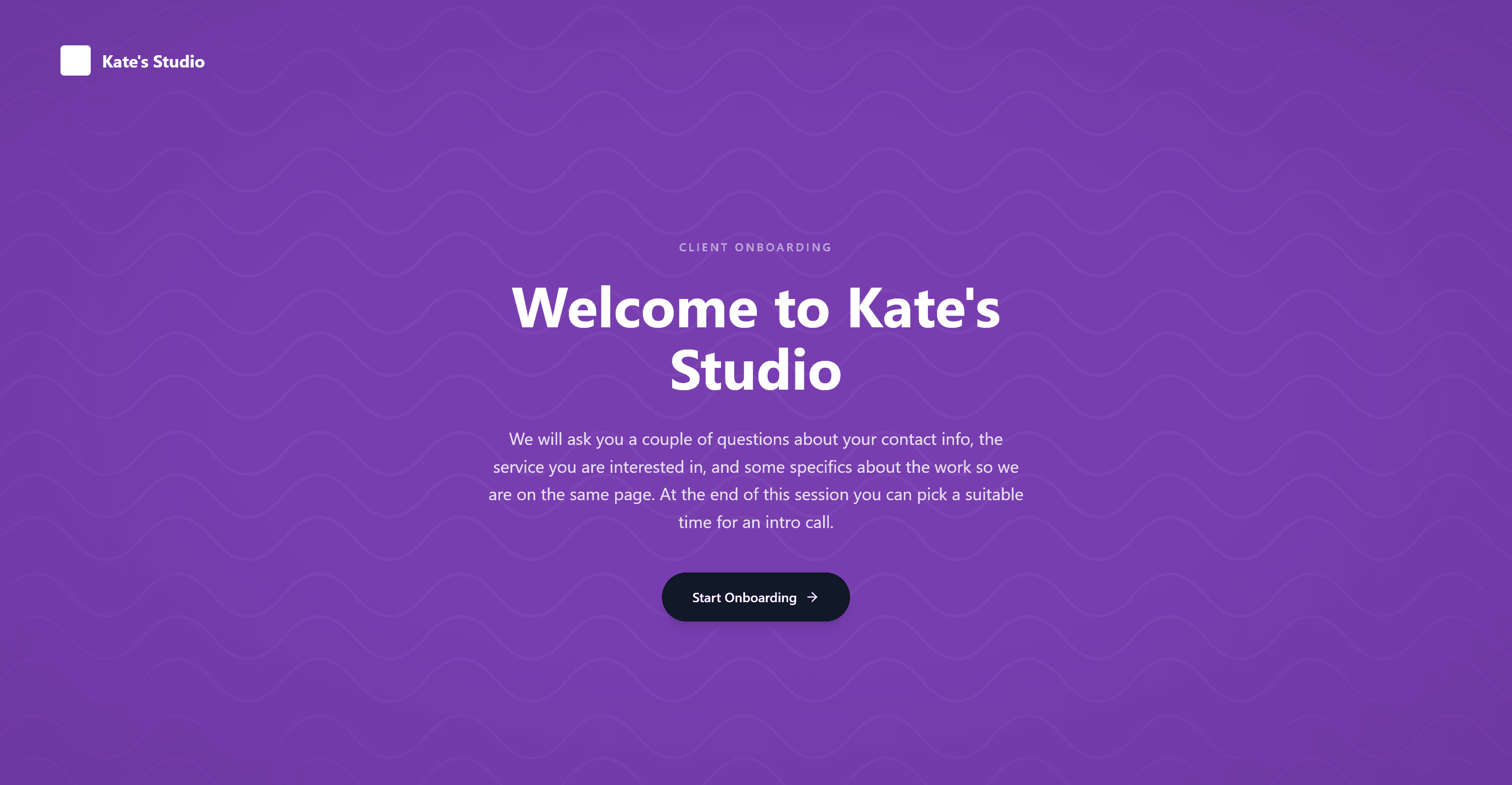
The welcome screen a client sees first, before any of the four steps below.
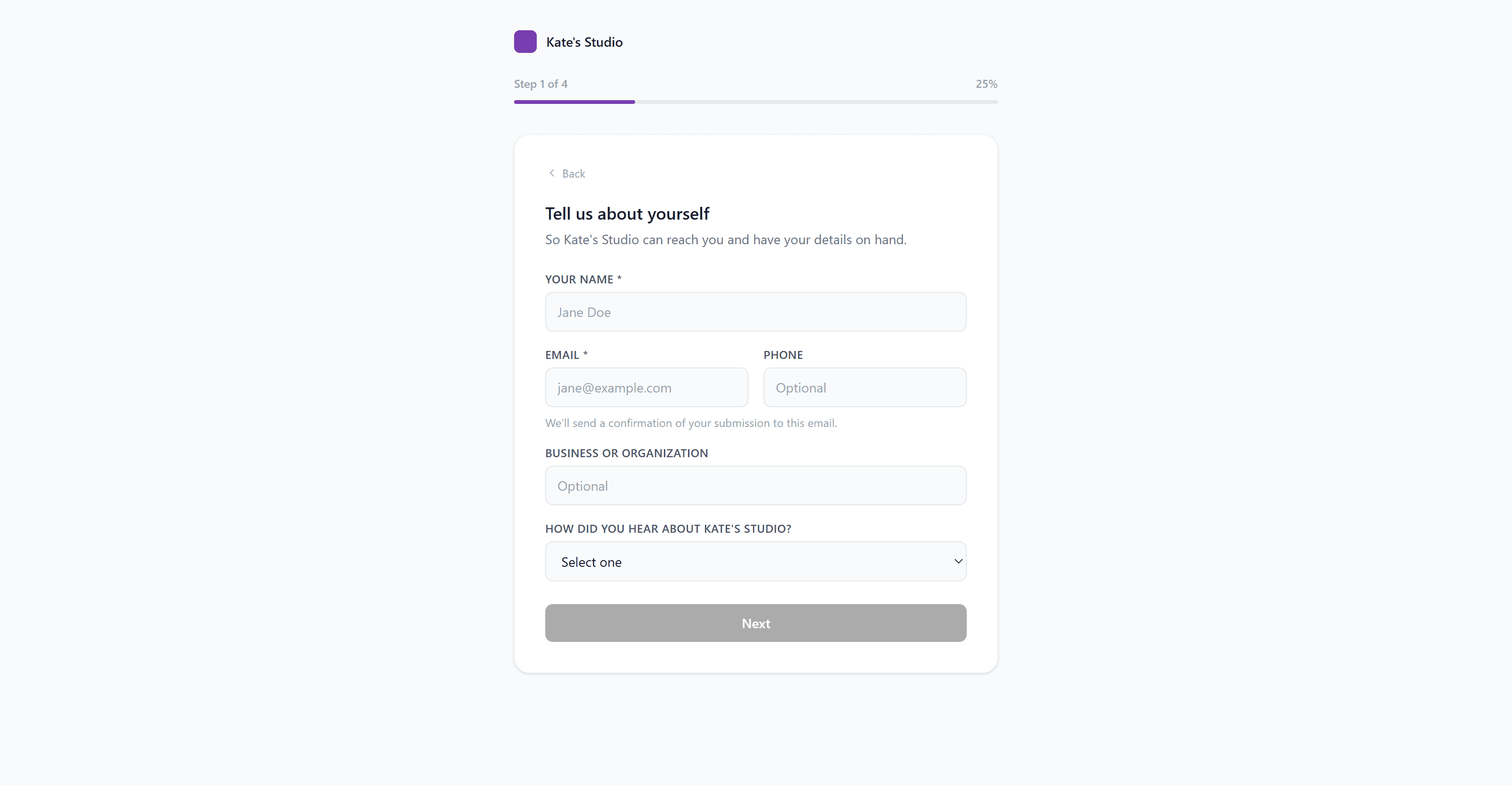
Contact info
Name, email, and the basics get captured here, and only here. Nothing about this step needs to be re-entered anywhere else once it's submitted.
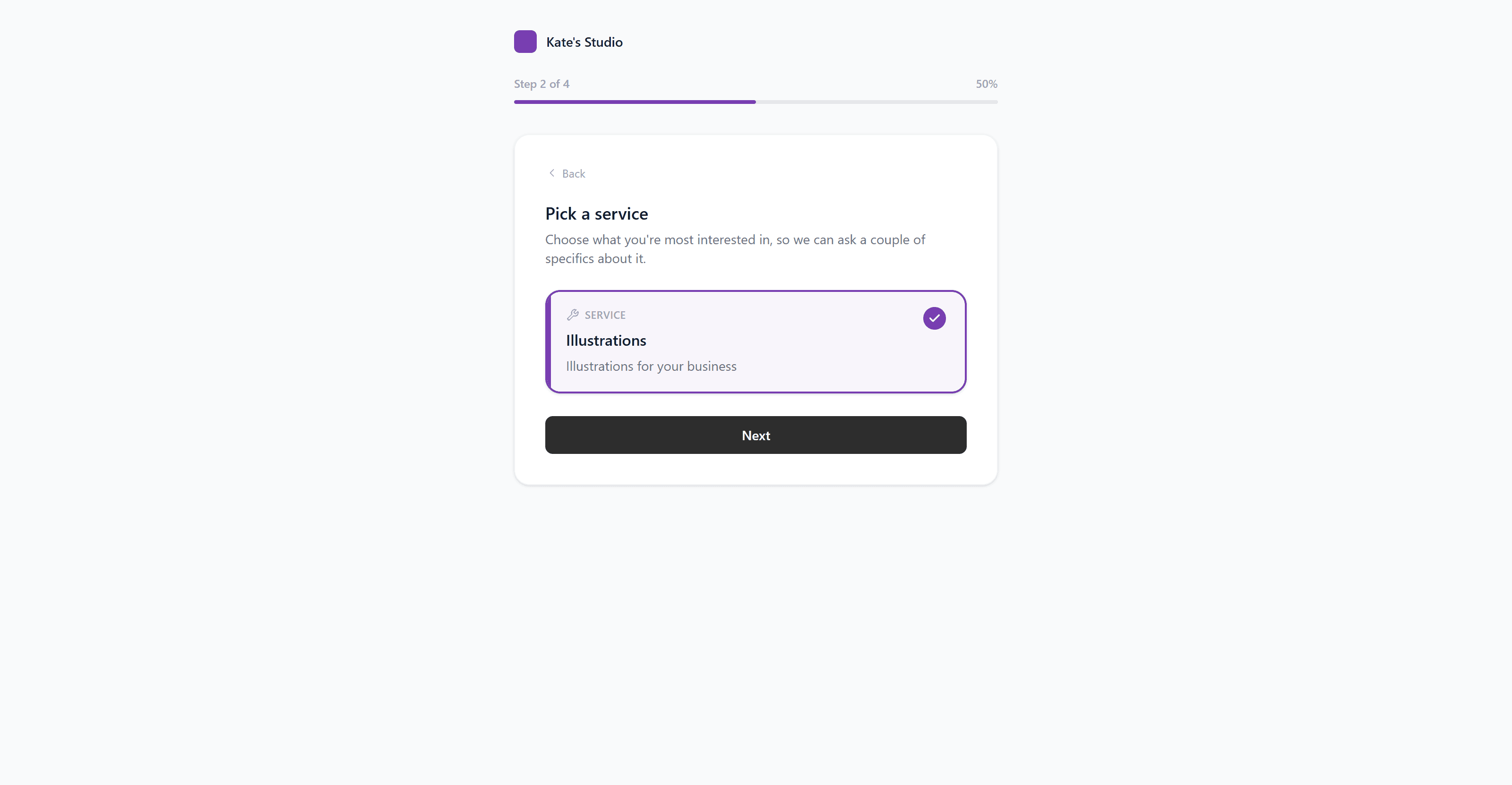
Service selection
A simple service picker means you already know what a lead is asking for before you've read a single email, instead of guessing from a vague inquiry.
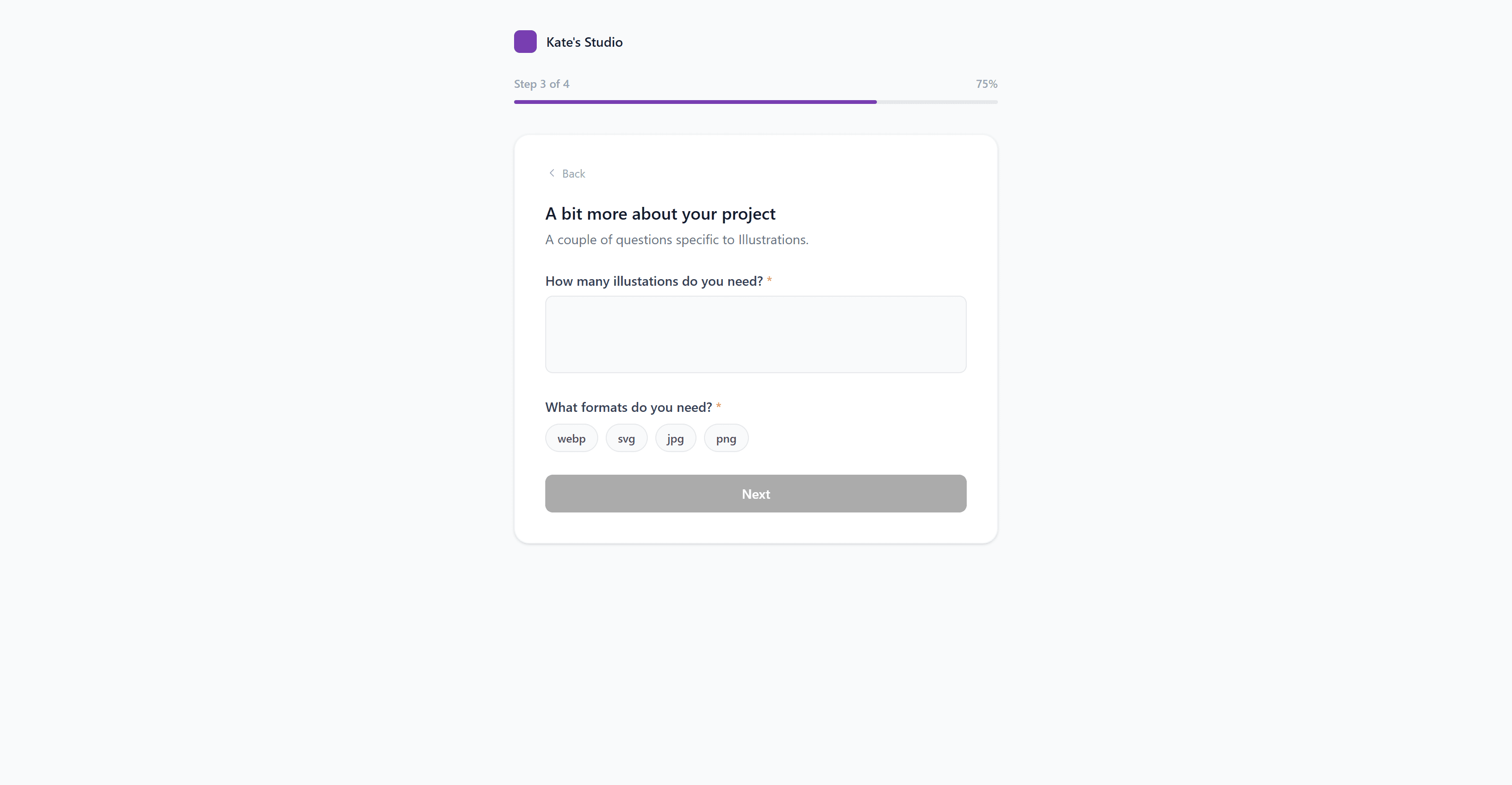
Custom questions
A short set of questions specific to your business, answered before the first call happens instead of during it.
Scheduling
The client picks a time that works for them, and it's marked as unconfirmed until you actually follow up to lock it in, rather than implying a slot is already booked.
What white-label actually means here
Not a logo swap. These are the specific details that keep your business name in front of the client at every step.
The confirmation email replies to you, not us
When a client submits the form, the confirmation email that goes out uses your own contact email as the reply-to address. If you haven't set one, it falls back to your account email. Either way, a reply from your client comes straight to you.
Your name is on it, not ours
Every email footer reads with your company name and your contact email, in plain text. A client working with you through this form has no way of knowing SimpleMark exists behind it.
The call time shows honestly
If a client picks a preferred call time, it's shown as unconfirmed with a short note that you'll follow up to lock it in, rather than pretending a slot is booked before you've actually looked at your calendar.
Connected to the rest of Trust
A submission through the onboarding link doesn't sit in an inbox waiting to be copied somewhere else. It creates the client record directly in Trust, in the same CRM where the rest of your client relationships already live.
From there it's ready to move through the New Client Onboarding SOP, the same ten-step checklist covering the welcome email, contract, kickoff call, and first deliverable, so a lead who found you through the link gets the exact same process as a client you signed in person.
Why it's part of Trust, not a separate tool
A form builder that only collects information still leaves you re-entering that same information into a CRM, a project tool, and an invoice by hand. This one doesn't. Because it's built into Trust, a new client from this link connects to the same record that later links to their project in Flow and their invoice in Foundation.
One link, one form, and the client is already inside the system that runs the rest of your business.
Questions about the onboarding portal
Does my client see SimpleMark branding?
No. The form, the confirmation email, and the reply-to address all carry your business name. SimpleMark never appears anywhere in the flow.
Does the onboarding link expire?
No. Each company gets one permanent link that never changes and never expires, so it's safe to use in an email signature or a proposal template.
What happens after a client submits the form?
The client is created as a new lead directly in your Trust CRM, ready to move through the same New Client Onboarding SOP as any other client.